Detect
Find complete or partial defective rows and columns with PixInsight's standard detection engine.
Detect defective rows or columns, inspect the selected-line model, and subtract the corresponding pattern in one continuous PixInsight workflow.
The selected-defect mask updates from the detection controls, while subtraction settings and bright-structure protection remain available in the same interface.
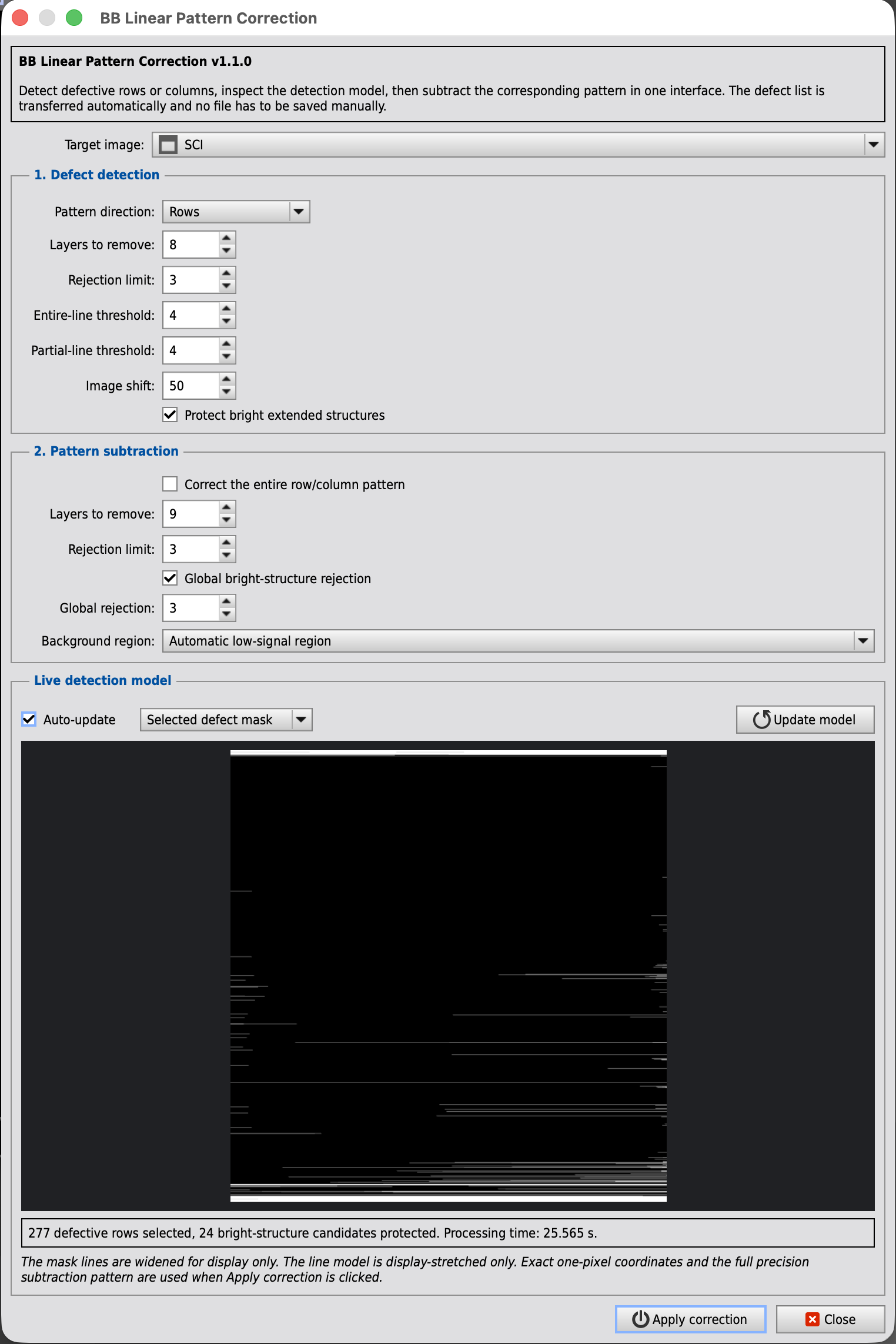
PixInsight normally separates linear pattern correction into two scripts. LinearDefectDetection creates a table of defective lines, then LinearPatternSubtraction reads that saved table and builds the correction. LinearPatternCorrection joins those operations without asking you to save and reload an intermediate file.
Find complete or partial defective rows and columns with PixInsight's standard detection engine.
Review the exact selected-defect mask or the line model while detection parameters are adjusted.
Send the selected lines directly to the standard subtraction engine and apply the correction to the open image.
A galaxy core, a broad arm, or another extended bright feature can resemble a partial line to the detector. Version 1.1 checks the surrounding band and rejects partial-line candidates dominated by real extended signal.
Complete defective rows and columns are never rejected by this protection. The option is enabled by default and can be disabled for diagnostic comparisons.
| Parameter | Default |
|---|---|
| Layers to remove | 8 |
| Rejection limit | 3 |
| Entire-line threshold | 4 |
| Partial-line threshold | 4 |
| Image shift | 50 |
| Parameter | Default |
|---|---|
| Layers to remove | 9 |
| Rejection limit | 3 |
| Global rejection | 3 |
If no background preview is selected, the script evaluates a 3 by 3 grid and uses its lowest-median region. A clean manual preview is preferable when the target fills most of the frame.
The script delegates detection and subtraction to PixInsight's installed engines and adds the unified interface, compatibility adapters and protection layer.